
Cloud Virtual PC
In today's technological landscape, the use of cloud-based Windows virtual PCs is becoming increasingly popular. This type of service offers a range of advantages and uses for both individual users and businesses of all sizes. But what exactly is a cloud-based Windows virtual PC, and why are so many people and organizations choosing this solution? Let's explore some of the main reasons.
Flexibility and Accessibility
One of the greatest benefits of a cloud-based Windows virtual PC, also known as Windows VPS, is the flexibility it provides. With a virtual PC, you can access your desktop from anywhere in the world, as long as you have an internet connection. This is particularly useful for professionals who travel frequently or for distributed teams that need to collaborate in real time. If you are curious about the available plans, you can check out the Virtual PC Plans offered by Hostmf.
Scalability
Scalability is another strong point of cloud virtual PCs. Unlike a physical PC, where hardware upgrades can be expensive and time-consuming, virtual PCs allow you to increase or decrease resources (such as RAM and CPU) according to your needs, quickly and efficiently. This is ideal for companies with fluctuating workloads that need a solution that keeps pace with business growth.
Security
Security is a constant concern in the digital world. Cloud virtual PCs generally come with robust security measures, including automatic backups, advanced firewalls, and protection against malware. This means your data is safer in a managed cloud environment than on a traditional PC that may be more vulnerable to physical and digital attacks.
Cost Reduction
Using a cloud-based Windows virtual PC can result in significant cost savings. There is no need to invest in expensive hardware or complex IT infrastructure. In addition, maintenance costs are generally cheaper, since most of the management and upgrading of the infrastructure is handled by the service provider. This allows you or your company to concentrate financial and human resources on more strategic areas.
Easy Connection and Access
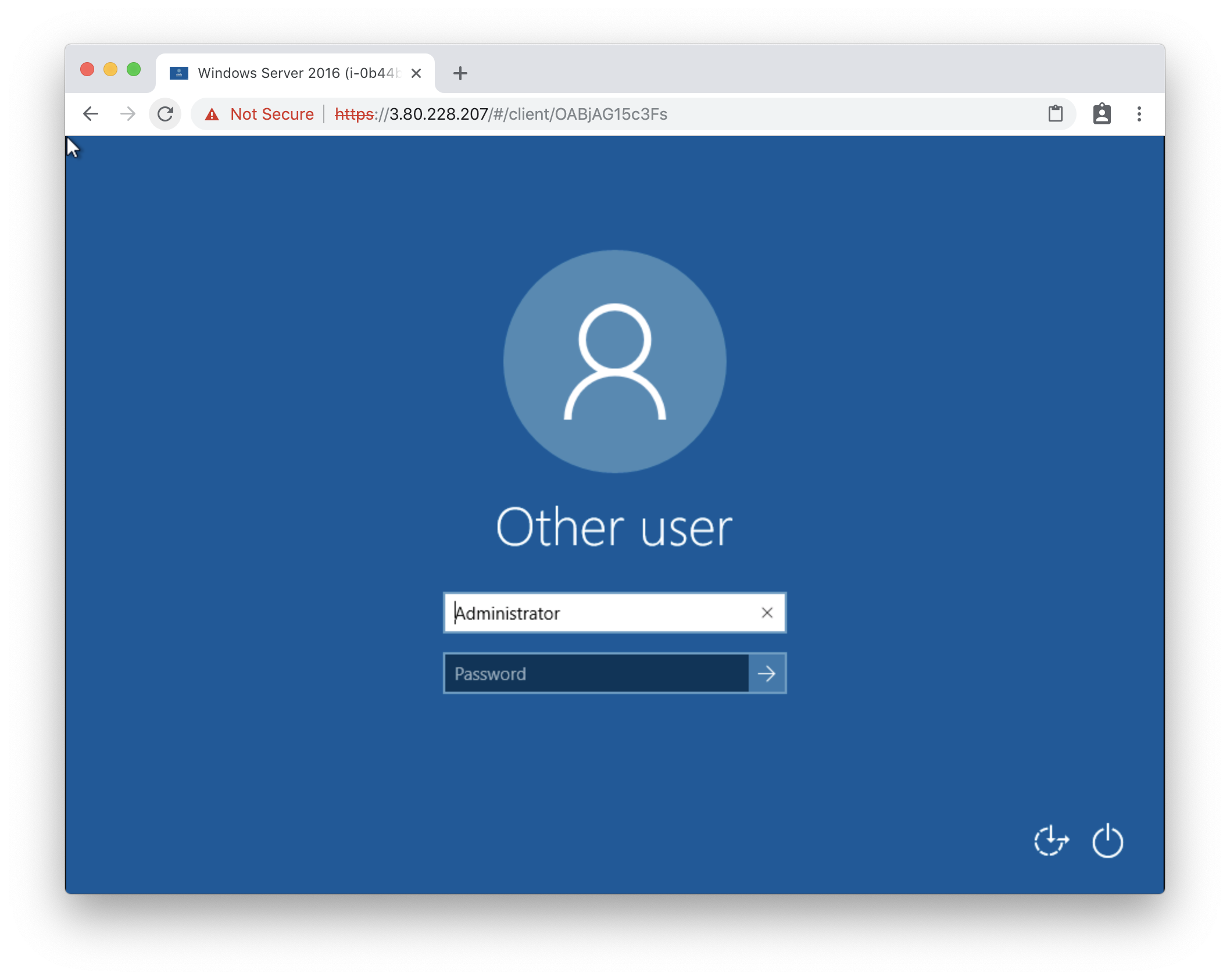
Connecting to a Hostmf Windows virtual PC is simple and can be done in several ways. If you are using a computer, the guide How to connect to a Hostmf virtual PC from your computer provides a detailed step-by-step walkthrough. For those who prefer to access it through the browser, Hostmf also provides instructions in the article How to connect to a Hostmf virtual PC through the browser. Additionally, users who need to access the virtual PC from their mobile phone can follow the guide How to connect to a Hostmf virtual PC from your mobile phone.
Conclusion
Cloud-based Windows virtual PCs offer a modern and efficient solution for a variety of technological needs, whether for individuals or businesses. With clear benefits such as flexibility, scalability, security, and cost reduction, this technology stands out as a smart choice for anyone looking to optimize their operations and ensure continuous access to their computing resources. If you have not yet tried a virtual PC, perhaps it is time to consider this option and take advantage of all the benefits it offers.


